

Get Your Token
To get an access token and to be able to use the API, you need to make a request to the token endpoint with a Basic Auth header using your base64 encoded client ID and secret.Encode Your Credentials
You will probably need to use a base64 encoder to get the encoded string. For example, DevToys is a useful tool: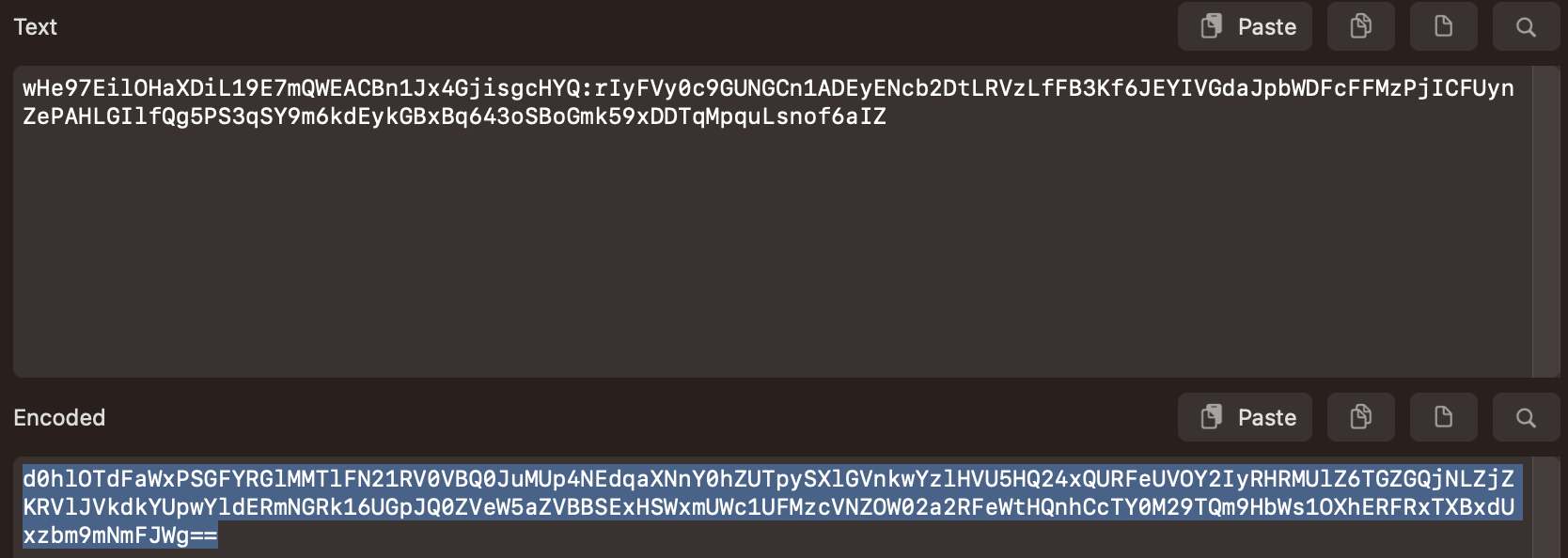
client_id:client_secret
Request an Access Token
Response
You will receive a response containing an access token, as well as the expiration time:string
Your API access token. Use this in the Authorization header for subsequent requests.
integer
Token expiration time in seconds (typically 36000 = 10 hours).
string
The type of token, always “Bearer”.
string
The scopes granted to this token.
Using the Token
From now on, include the access token in a “Bearer” authorization header for all API requests:Next Step
Create User
Create your first end-user account